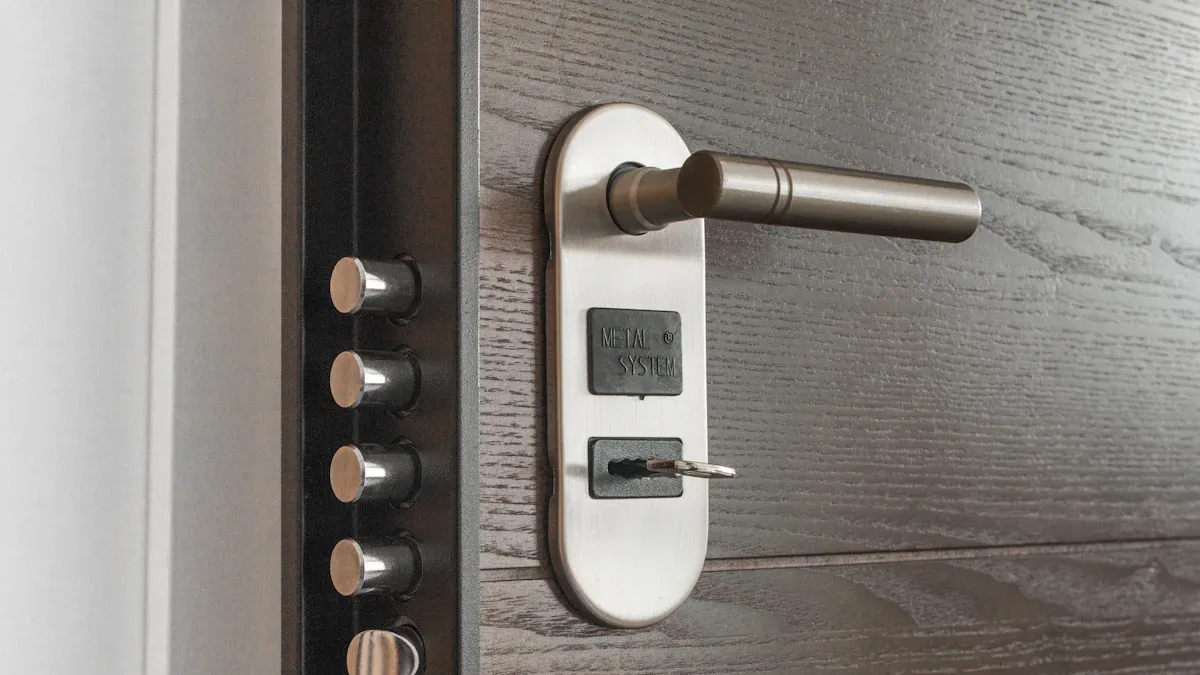
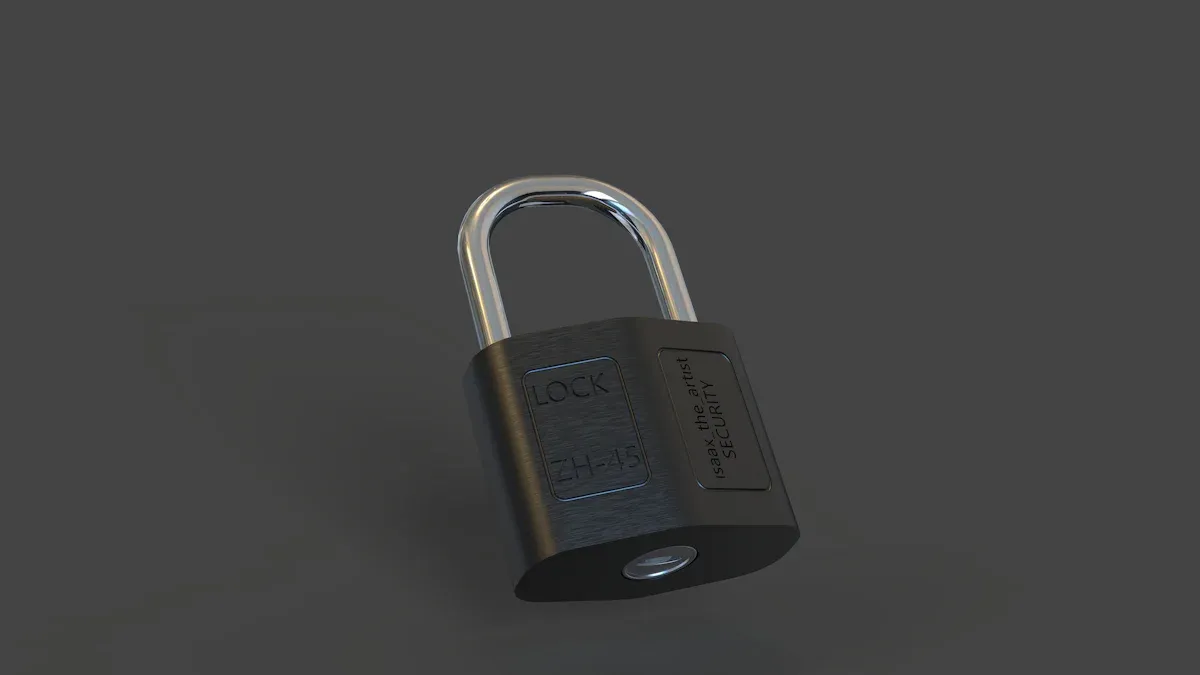
Home security technology has come a long way. With smart locks, you get both enhanced security and convenience. These innovative devices let you ditch physical keys. You can unlock your door with just your smartphone or a code, making access easier than ever.
Key Takeaways
Smart locks offer keyless entry, allowing you to unlock your door with a smartphone or code, making access easier.
Remote access lets you control your door from anywhere, providing convenience and peace of mind.
Activity monitoring features keep track of who enters and exits your home, enhancing security and awareness.
Features of Smart Locks
Keyless Entry
One of the standout features of smart locks is keyless entry. You can say goodbye to fumbling for keys in your pocket or purse. Instead, you can unlock your door using a keypad, smartphone app, or even a key fob. This technology offers a seamless way to access your home without the hassle of traditional keys.
Keyless entry systems come in various forms. Some smart locks allow you to enter a code on a keypad, while others let you use your smartphone to unlock the door. This flexibility means you can choose the method that works best for you. Plus, many smart locks offer additional features like customizable access codes for family members or trusted friends. This way, you can grant access without needing to hand out physical keys.
Tip: When selecting a smart lock, look for one that allows you to create temporary codes for guests. This feature is perfect for visitors or service personnel, ensuring they can enter when needed but can’t access your home indefinitely.
Remote Access
Remote access is another game-changing feature of connected smart locks. Imagine being able to lock or unlock your door from anywhere in the world using your smartphone. This capability enhances your convenience and security. Whether you’re at work, on vacation, or just running errands, you can control your door with a few taps on your phone.
Here’s how it works: smart locks connect to your home Wi-Fi or Bluetooth, allowing you to manage access remotely. You can receive real-time alerts about who enters or exits your home, giving you peace of mind. If you need to let someone in while you’re away, you can do so instantly through the app.
Connectivity Type | Description | Best Use Case |
|---|---|---|
Wi-Fi | Direct internet access, real-time control, higher battery consumption | Vacation rentals and short-term stays |
Z-Wave | Requires a hub, integrates with smart home systems | Multifamily properties |
Bluetooth | Works offline, limited range, no remote updates | Individual unit doors in unreliable connectivity areas |
Hardwired | Permanent power, stable, requires professional installation | Large commercial or multifamily properties |
With remote access, you can also set schedules for when certain users can enter your home. This feature is especially useful for managing access for maintenance staff or service providers. You can easily revoke access when it’s no longer needed, ensuring your home remains secure.
Did You Know? Many smart locks also integrate with other smart home devices, enhancing your overall security system. For example, you can link your smart lock with security cameras to monitor who enters your home.
Smart Door Lock Security Enhancements
Advanced Encryption
When it comes to protecting your home, advanced encryption plays a crucial role in smart door locks. These locks use sophisticated encryption methods to secure your data and prevent unauthorized access. For instance, many smart locks, like those from Lockly, utilize end-to-end data encryption. This means that all communications between your smartphone and the lock are encrypted using industry-standard protocols like SSL and AES-128. As a result, even if someone intercepts the data, they won’t be able to decipher it.
Here’s a quick look at some common encryption standards used in smart door locks:
Encryption Standard | Description |
|---|---|
End-to-End Encryption (E2EE) | Ensures that only the communicating users can read the messages, preventing access by third parties. |
256-bit AES + TLS 1.3 | Used by enterprise systems, providing strong encryption that is extremely difficult to break. |
128-bit AES | Implemented in Zigbee 3.0, offering secure wireless communication with dynamic link keys. |
Using these encryption methods significantly reduces the risk of unauthorized access. However, it’s important to remember that vulnerabilities can still exist. Smart locks can be susceptible to hacking if not managed properly. Regularly updating your lock’s firmware and using strong passwords can help mitigate these risks.
Timed Locking
Timed locking mechanisms add another layer of security to your smart door lock. This feature allows you to set specific times when the lock will automatically engage or disengage. For example, if you have a cleaning service coming every Tuesday at 10 AM, you can program the lock to unlock at that time and lock again afterward. This ensures that only authorized individuals can access your home during designated times.
Here’s how timed locking contributes to your overall home security:
Mechanism Type | Contribution to Security |
|---|---|
Multi-point Locking | Secures the door at multiple points, providing superior resistance to forced entry. |
Smart Locks | Allow remote access control and often include features like biometric scanners. |
Automatic Locking | Ensures the door locks automatically, adding an extra layer of protection. |
With timed locking, you can also monitor who enters and exits your home. This feature creates an audit trail, allowing you to see when someone accessed your home. If you receive a tamper alert, you can take immediate action to secure your property. Overall, these enhancements make smart door locks a powerful tool for improving your home security.
Tip: Always check for updates from your smart lock manufacturer. Keeping your device updated helps protect against new vulnerabilities.
Convenience of Smart Locks
User Control
Smart locks give you incredible user control over who can access your home. You can customize access for different individuals, making it easy to grant or revoke entry as needed. Here are some key features that enhance your control:
Feature | Description |
|---|---|
Remote Lock/Unlock | Control the lock from a mobile app, allowing locking/unlocking from anywhere. |
App-Based Control | Use dedicated mobile apps for managing the smart lock functionalities. |
Automatic Locking | The lock engages automatically after a set period or when you leave the vicinity. |
Location-Based Features | Unlocks automatically when you approach, using geofencing technology. |
Voice Control | Integration with virtual assistants like Alexa and Siri for voice commands. |
With these features, you can easily manage access for guests, service providers, or family members. Imagine letting your dog walker in without needing to be home! This flexibility makes smart locks a perfect fit for busy lifestyles.
Activity Monitoring
Activity monitoring is another fantastic feature of smart locks. You can keep track of who enters and exits your home, giving you peace of mind. Here’s how it works:
Feature | Description |
|---|---|
DoorSense™ | Alerts you when the door is locked and closed, providing peace of mind. |
Activity Feed | Tracks who comes and goes, showing who unlocked the door and when it was opened. |
Notifications | Allows setting up alerts for specific individuals arriving home, enhancing monitoring capabilities. |
This feature is especially useful for families. You can see when your kids get home from school or if a service provider has completed their work. With smart locks, you gain a clearer picture of your home’s activity, making it easier to manage access and enhance security.
Tip: Regularly check your activity feed to stay informed about who enters your home. This simple step can help you maintain a secure environment.
Smart locks offer you enhanced security and convenience. Here are some key benefits:
Keyless entry for easy access.
Remote management for peace of mind.
Instant alerts and access logs for monitoring.
Consider smart locks as a modern solution for your home security. With many options available, like deadbolt smart locks and smartphone-based systems, you can find the perfect fit for your needs. Explore the market and choose a smart lock that suits your lifestyle!
FAQ
What happens if the smart lock’s battery dies?
If the battery dies, you can usually unlock the door with a physical key or use a backup power source, like a 9V battery.
Can I install a smart lock myself?
Yes! Most smart locks come with easy-to-follow instructions, allowing you to install them without professional help.
Are smart locks compatible with all doors?
Not all smart locks fit every door. Check the specifications to ensure compatibility with your door type and size.