
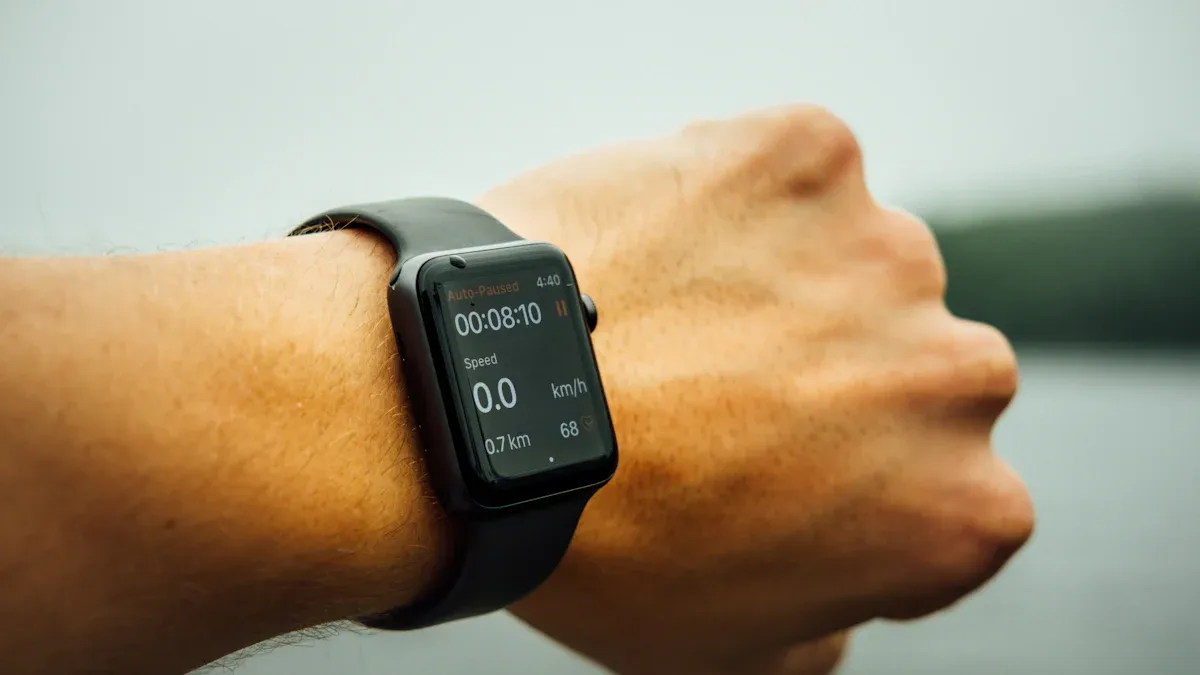
Battery life in wearables plays a crucial role in your daily experience. Many users express frustration over short battery life, with 21.4% reporting dissatisfaction. Frequent charging can disrupt your routine and lead to decreased satisfaction.
Evidence | Explanation |
|---|---|
Users face inconvenience with frequent charging | This leads to decreased satisfaction and a lower likelihood of continued use of wearable devices. |
Mechanisms to reduce charging frequency are essential | Enhancing user experience and ensuring wearables remain functional and appealing. |
Fortunately, you can take practical steps to extend battery life and improve your wearable experience.
Key Takeaways
Adjust screen brightness to save battery. Use adaptive brightness for better efficiency.
Limit notifications to reduce power drain. Prioritize important alerts and use ‘Do Not Disturb’ mode.
Keep your wearable updated. Regular software updates improve battery management and fix bugs.
Use proper charging techniques. Avoid full discharges and consider partial charges to extend battery life.
Optimize device settings. Turn off features like Always On Display and adjust GPS settings for better battery performance.
Battery Consumption
Factors Affecting Battery Life
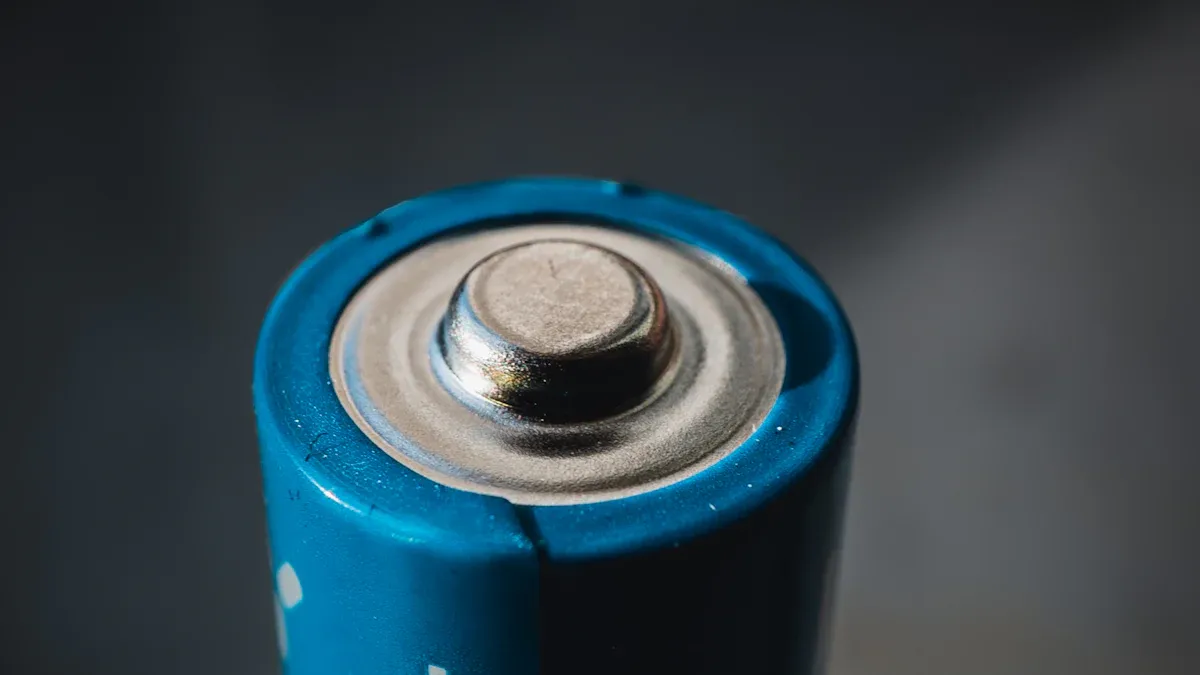
Battery life in wearable devices depends on several key factors. Understanding these can help you manage your device’s power consumption effectively. Here are the main components that impact battery life:
Component | Power Consumption Characteristics |
|---|---|
Wireless Transmission | Bluetooth Low Energy is the most efficient, but it has a limited data rate. |
Sensors | Cameras consume a lot of power; GPS and PPG sensors use moderate power; motion sensors are low power. |
Displays | Color LCDs and LEDs are very power-hungry; OLEDs are more efficient; low power LCDs can last years. |
Microprocessors | Their power consumption varies widely, from tens of Watts to microwatts, optimized for energy efficiency. |
The integration of AI processing in wearables also increases battery drain significantly. It can consume three to five times more energy than traditional processing. This happens because wearables need to stay aware of their environment, leading to frequent wake cycles that deplete battery life.
Usage Patterns
Your usage patterns play a crucial role in determining how long your device lasts on a single charge. For instance, the frequency of sensor usage directly impacts battery life. Here’s how different activities affect power consumption:
Screen Usage: High impact on battery life.
Notification Sensors: Also have a high impact.
Physical Activity: Moderate impact; battery usage is higher when you are inactive.
Bluetooth: Moderate impact; it remains active during charging.
Heart Rate Sensor: Low impact on battery life.
By being mindful of how you use your wearable device, you can significantly extend its battery life. For example, reducing screen brightness and limiting notifications can help conserve power.
Tips to Extend Battery Life
Adjust Screen Brightness
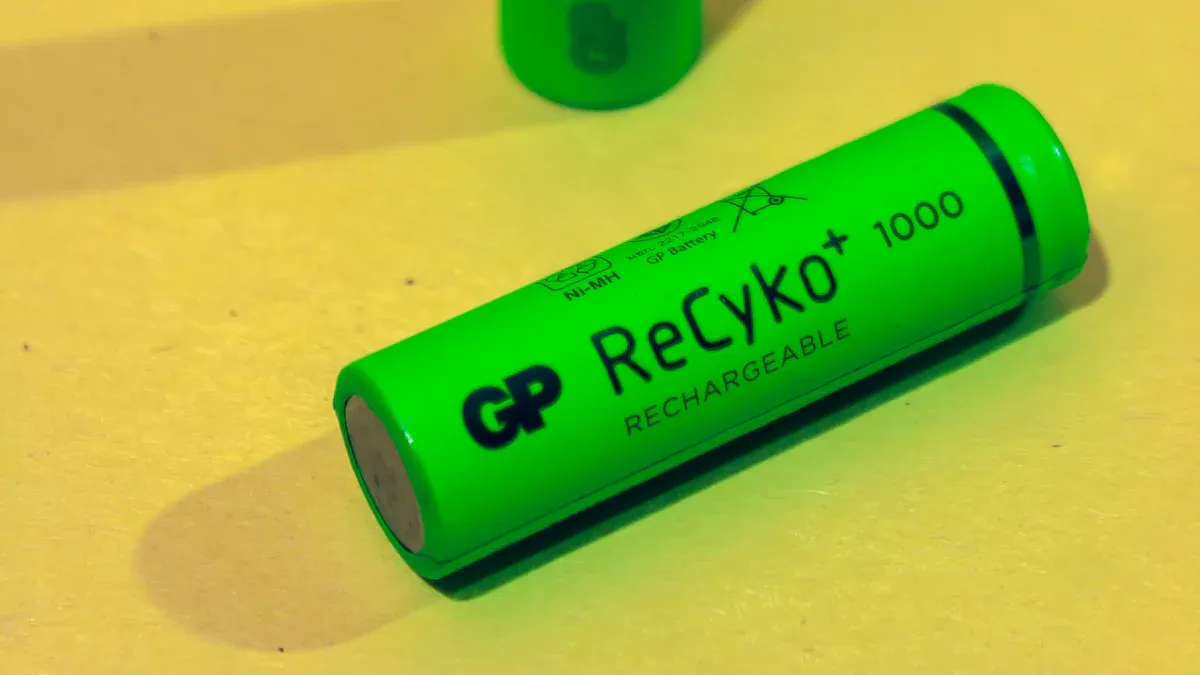
One of the simplest ways to extend battery life in your wearable device is by adjusting the screen brightness. High brightness levels can drain your battery quickly. Here’s how different brightness settings impact power consumption:
Setting Type | Average Power Draw (mW) | Battery Drain per Hour (%) |
|---|---|---|
Adaptive Brightness | 142 | 4.1 |
Manual Brightness | 178 | 5.3 |
Using adaptive brightness can save you significant battery life. This setting automatically adjusts the brightness based on your environment. Lowering the brightness not only improves battery efficiency but also enhances your device’s daily performance.
Tip: If your device allows it, consider setting the brightness to a lower level during the day. This small change can lead to noticeable improvements in battery life.
Limit Notifications
Frequent notifications can significantly impact your wearable’s battery life. Each time your device lights up for a notification, it consumes power. Here are some strategies to manage notifications effectively:
Prioritize important notifications. Limit alerts from apps that you do not use frequently.
Use ‘Do Not Disturb’ mode during specific times to prevent unnecessary screen activation.
Review your notification settings regularly to ensure they align with your needs.
By managing notifications, you can reduce the frequency of screen activations, which helps conserve battery life.
Note: Wearables have limited battery life, and frequent notifications can lead to excessive battery drain. Simplifying your notification settings can help you maintain a longer-lasting charge.
For fitness trackers, consider these additional tips to maximize battery efficiency:
Change the GPS frequency to extend battery life. Most devices allow you to adjust this setting between 1 second and 60 seconds.
Activate battery saver mode during workouts to limit background activity.
Reduce screen timeout settings to minimize power consumption when not in use.
Implementing these power-saving techniques can make a significant difference in how long your device lasts on a single charge.
Settings for Wearable Devices
Smartwatches
To maximize battery life on your smartwatch, consider adjusting these settings:
Turn Off Always On Display: This feature keeps your screen active, draining battery quickly. Disabling it can lead to significant savings.
Disable Battery Optimization Features: Temporarily turning off features like Optimized Battery Charging can help extend battery life.
Adjust Workout App Settings: Limit GPS and heart rate readings during workouts. This adjustment can conserve battery while still tracking your activity.
Use Bluetooth Headphones: Listening to audio through AirPods or Bluetooth headphones instead of the built-in speaker reduces battery drain.
Here’s a table summarizing some effective energy-saving features in smartwatches:
Feature | Description |
|---|---|
Auto Sleep for Screen & Sensors | Automatically suspends high-power sensors when inactive, potentially doubling battery life. |
Customizable Display Brightness | Adaptive brightness adjusts screen dimming based on environment, crucial for battery savings. |
Battery Status Alerts | Reminders for low battery and auto power mode switching help manage battery usage effectively. |
Bluetooth & Sync Control | Disabling automatic syncing when off-grid saves power, especially during outdoor activities. |
Fitness Trackers
For fitness trackers, you can also make specific adjustments to enhance battery efficiency:
Disable All-Day Sync: This feature can drain your battery. Turning it off when not needed can help.
Activate Battery Saving Mode: This mode limits background activities, extending battery life significantly.
Here’s a comparison of battery life across different modes in fitness trackers:
Mode | Battery Life |
|---|---|
Smartwatch mode | Up to 14 days |
Battery Saver Smartwatch mode | Up to 26 days |
GPS-Only GNSS mode | Up to 26 hours |
All-Systems GNSS mode | Up to 20 hours |
All-Systems GNSS with music | Up to 11 hours |
Battery Saver Mode | 28 Days |
By adjusting these settings, you can significantly improve the efficiency of your wearable devices, ensuring they last longer throughout the day.
Power Management Practices
Regular Software Updates
Keeping your wearable device updated is essential for maintaining battery life. Software updates often include optimizations that enhance efficiency. Here are some key reasons to prioritize regular updates:
Improved Battery Management: Updates can introduce features that reduce power consumption, allowing your device to last longer between charges.
Bug Fixes: Software updates often fix bugs that may cause excessive battery drain. Addressing these issues can lead to better overall performance.
Enhanced Features: New features may include low-power modes that help conserve energy during use.
Neglecting software updates can lead to decreased battery efficiency. You might find yourself charging your device more frequently than necessary.
Charging Techniques
How you charge your wearable device can significantly impact its battery lifespan. Here are some effective charging techniques to consider:
Trickle Charging: This method charges the battery slowly, preventing overcharging and minimizing heat. It helps extend the battery’s lifespan.
Adaptive Charging: This technique adjusts charging parameters based on the battery’s state and usage patterns. It optimizes performance and prolongs battery life.
Avoid Full Discharges: Try to charge your device before the battery drops below 10%. Full discharges can lead to chemical changes that speed up aging.
Partial Charges: Charging your device in small amounts can significantly extend battery life. Frequent partial charges allow for more cycles without stressing the battery.
Avoid Overcharging: Unplugging your device when it reaches around 80% can prevent heat buildup and maintain battery health.
In addition to these techniques, consider using energy harvesting technologies. These technologies allow wearables to collect power from sources like solar, thermal, and mechanical energy. For example, solar cells can generate power based on environmental conditions, reducing reliance on traditional charging methods.
Implementing these power management practices can help you maximize the efficiency of your wearable device. By keeping your software updated and using proper charging techniques, you can enjoy longer battery life and a better overall experience.
In summary, you can enhance your wearable experience by implementing several key strategies. Focus on adjusting screen brightness, limiting notifications, and optimizing device settings. Consider these additional tips:
Balance energy density and size for longer operational life.
Use energy-efficient components to reduce power consumption.
Ensure safety features like venting to maintain battery health.
By sharing your experiences and tips, you contribute to a collective knowledge that can help others improve their battery life. Together, we can make wearables more efficient and user-friendly.