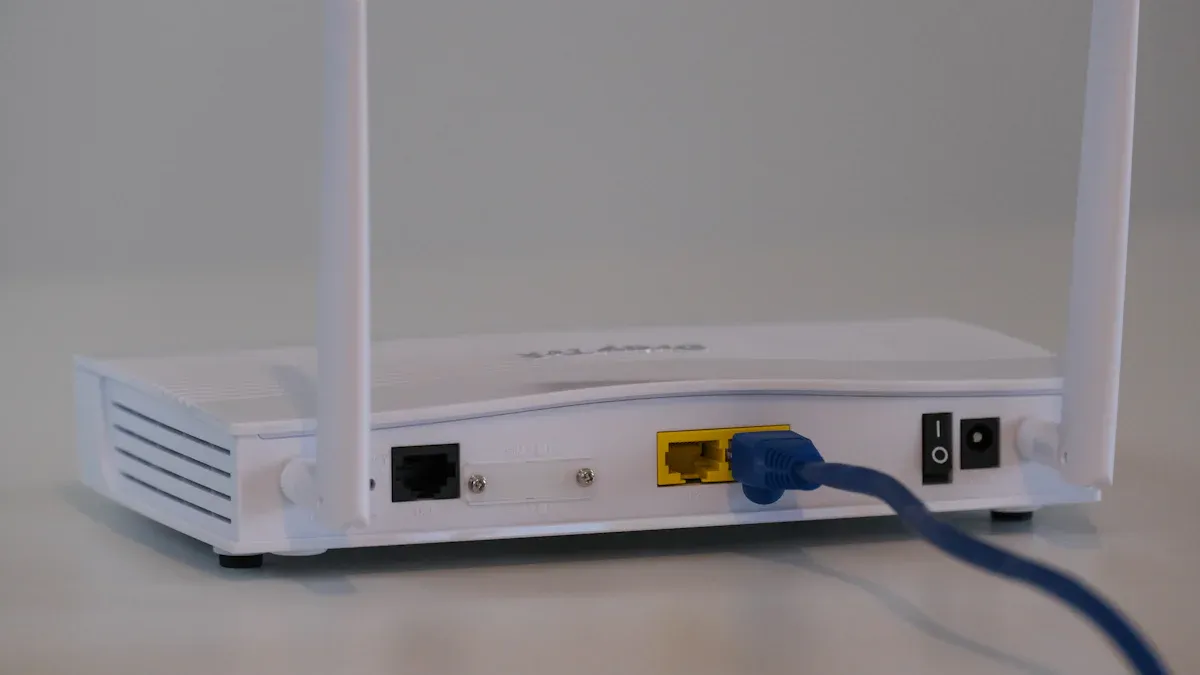
Wi-Fi Routers Explained serve as the backbone of your internet connectivity, allowing devices to communicate wirelessly. Today, about 80% of U.S. households rely on these routers for seamless internet access. Understanding dual-band and mesh systems can help you choose the right Wi-Fi router for your home or office, ensuring optimal performance and coverage.
Key Takeaways
Dual-band routers offer two frequency bands, 2.4 GHz for longer range and 5 GHz for faster speeds. Choose based on your needs for better performance.
Mesh Wi-Fi systems provide broader coverage by using multiple nodes, eliminating dead zones in larger spaces. This ensures a strong connection throughout your home.
Consider your home size and number of devices when choosing a Wi-Fi system. Dual-band works for smaller spaces, while mesh systems excel in larger areas.
Dual-Band Routers
Frequency Bands
Dual-band routers operate on two frequency bands: 2.4 GHz and 5 GHz. Each band has its unique characteristics that cater to different needs.
Feature | 2.4 GHz | 5 GHz |
|---|---|---|
Spectrum Width | 70 MHz | ~500 MHz |
Max Speed | Up to 100 Mbps | Up to 1 Gbps |
Channel Availability | 3 channels (20 MHz) | Up to 6 channels (80 MHz) |
Interference | Higher due to legacy devices | Lower, less congestion |
Ideal Use Cases | Longer range, basic usage | Faster speeds, high bandwidth |
The 2.4 GHz band is great for longer distances but tends to be slower due to network congestion. On the other hand, the 5 GHz band offers faster speeds but has a shorter range. This dual-band capability allows you to choose the best option based on your specific needs.
Advantages of Dual-Band
Using a dual-band router comes with several advantages that can significantly enhance your internet experience:
Reduced Congestion: Dual-band routers manage traffic more effectively by utilizing both frequency bands. This capability allows for better load distribution, especially in high-density environments. By reducing interference, these routers help maintain stable connections even when many devices are online.
Improved Flexibility: You can connect multiple devices to the most suitable frequency band. For instance, devices that require more bandwidth can connect to the 5 GHz band, while those needing less can stay on the 2.4 GHz band. This allocation eases pressure on the 2.4 GHz band, ensuring that all devices receive the necessary bandwidth without slowing down the entire network.
Better Performance: With dual-band systems, you can enjoy faster speeds and a more reliable connection. This is particularly beneficial for activities like streaming, gaming, or video conferencing, where a stable and fast internet connection is crucial.
User-Friendly Management: Many dual-band routers come with features that simplify network management. For example, some routers automatically steer devices to the best band based on their needs, making it easier for you to maintain optimal performance.
Mesh Wi-Fi Systems

How Mesh Networks Work
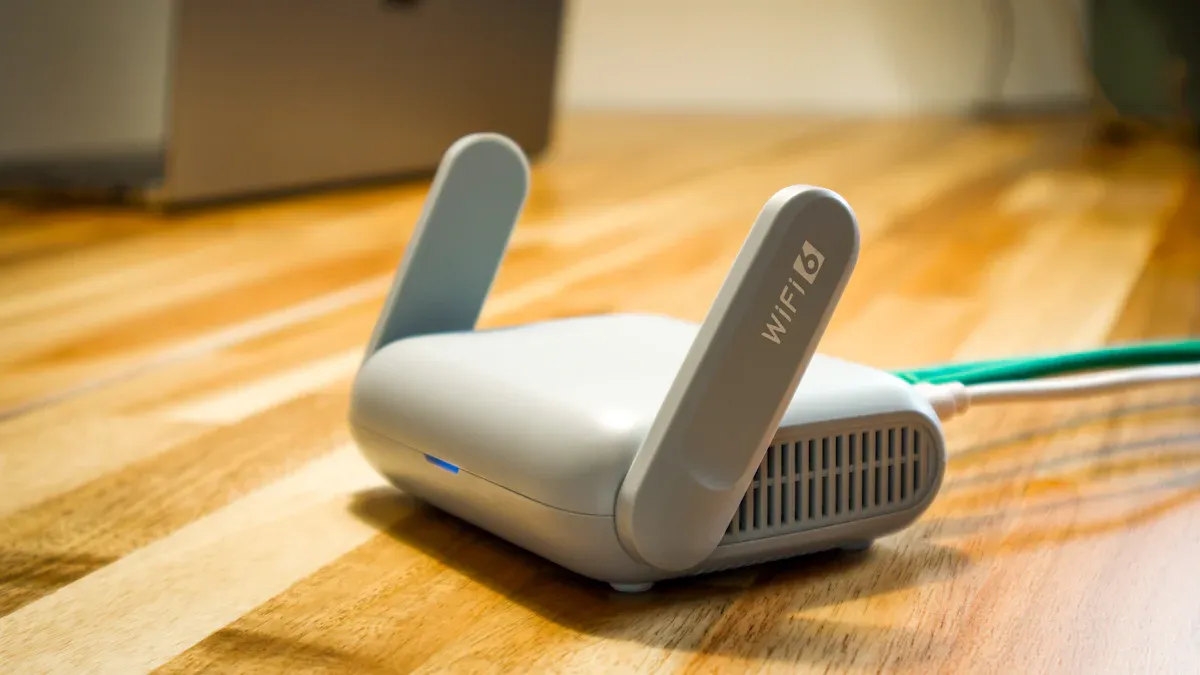
A mesh Wi-Fi system consists of multiple interconnected nodes that work together to provide seamless internet coverage throughout your home or office. Unlike traditional routers, which rely on a single hub, mesh networks distribute the signal across various points. This setup helps eliminate dead zones and ensures that you enjoy a strong connection no matter where you are.
Here’s a quick comparison of how mesh Wi-Fi systems differ from traditional routers:
Feature | Mesh Wi-Fi System | Traditional Router |
|---|---|---|
Architecture | Composed of multiple interconnected nodes | Centralized hub with a single router |
Coverage | Broader coverage with multiple nodes | Limited range, often leading to dead zones |
Connectivity | Seamless transitions between nodes for reliable signal | Weak signal when moving away from the router |
Scalability | Easily expandable by adding more nodes | Limited by the capabilities of the single router |
In a mesh network, each node communicates dynamically, relaying data across multiple paths. This means if one node fails, the network can reroute traffic through other nodes, maintaining your connection. This self-healing capability is a game-changer, especially in larger spaces where connectivity can be a challenge.
Benefits of Mesh Wi-Fi
The benefits of mesh Wi-Fi systems are numerous, especially for larger homes or offices. Here are some key advantages:
Coverage across large or complex spaces: Mesh systems effectively eliminate dead zones by using multiple nodes to share bandwidth and fill coverage gaps.
Self-healing for better reliability: Nodes communicate with each other, allowing the network to reroute traffic automatically if one node fails, enhancing uptime.
Easy to scale as you grow: Adding new nodes is straightforward, allowing for flexible expansion without complex setup.
Centralized control through apps or the cloud: Management is simplified through a single interface, making it accessible for non-technical users.
Fewer devices to configure: Mesh nodes operate as a single system, reducing setup complexity and avoiding network overlap.
Improved roaming for mobile users: Devices can move seamlessly between nodes without losing connection, which is crucial for maintaining stable communications.
With a mesh Wi-Fi system, you can enjoy a more consistent performance across larger areas compared to traditional routers. Devices automatically connect to the nearest and strongest node, enhancing your experience, especially during video calls or gaming sessions. This automatic connection is particularly beneficial for applications that require stable connections.
Comparing Dual-Band and Mesh Systems
Performance Differences
When it comes to performance, dual-band routers and mesh Wi-Fi systems have distinct advantages. Here’s a quick comparison:
Feature | Dual-Band Routers | Mesh Wi-Fi Systems |
|---|---|---|
Coverage | Up to 1,500 sq ft | 5,000–7,000 sq ft |
Device Support | Handles 50 devices before contention | Supports 150+ devices seamlessly |
Speed | Peaks at 950Mbps, drops to 300Mbps with congestion | Maintains 600Mbps across nodes |
Latency | 8ms for near-node connections | 12–15ms across multiple satellites |
Mesh systems excel in providing extensive coverage, especially in larger homes. They can blanket large areas, achieving 90% consistency in coverage from basement to attic. In contrast, traditional routers may drop to 45% coverage at the edges of multi-story homes. This means if you have a bigger space or multiple floors, a mesh system might be your best bet for reliable Wi-Fi performance.
Cost Considerations
Cost is another important factor when choosing between these two systems. Dual-band routers generally come at a lower price point, making them a good choice for smaller spaces or fewer devices. However, if you plan to expand your network or have many devices, investing in a mesh Wi-Fi system could save you money in the long run.
Consider your needs: if you live in a small apartment with a few devices, a dual-band router might suffice. But if you have a larger home with many smart devices, a mesh Wi-Fi network will provide better coverage and performance.
Ultimately, weigh your options based on your specific situation and budget.
Choosing the right Wi-Fi system is crucial for your internet experience. Dual-band routers work well for smaller spaces, while mesh systems shine in larger areas. Consider your specific needs, like the number of devices and online activities. If you stream or game often, a mesh system might be best. Remember, as more smart devices connect, robust solutions like mesh Wi-Fi become essential for seamless connectivity.
Tip: Evaluate your home layout and usage patterns to make the best choice for your wifi needs!
FAQ
What is the difference between dual-band and tri-band routers?
Dual-band routers use two frequency bands, while tri-band routers add an extra 5 GHz band for better performance and less congestion.
How do I know if I need a mesh Wi-Fi system?
If you experience dead zones or have a large home with many devices, a mesh system can provide better coverage and connectivity.
Can I mix different brands of mesh nodes?
Yes, but it’s best to use nodes from the same brand for optimal performance and compatibility within your mesh network.