
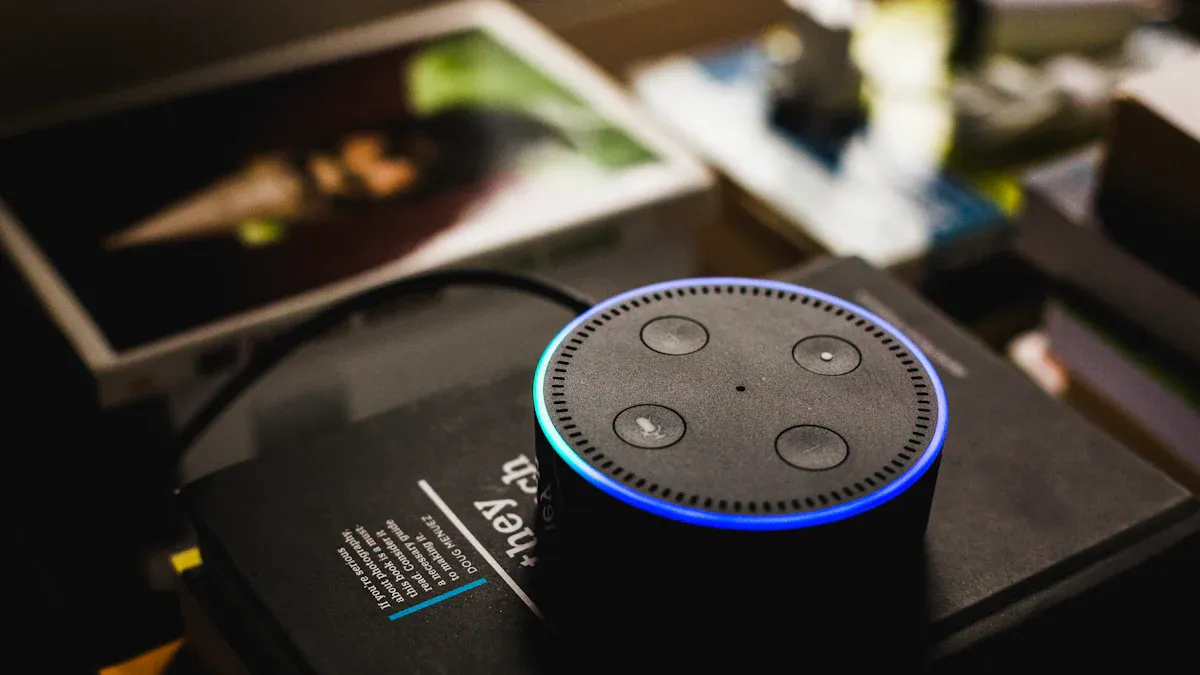
Smart Speakers Explained have become essential in modern homes. Their popularity continues to rise as they enhance convenience and connectivity. You can control various smart devices through voice commands, making daily tasks easier. According to recent studies, smart speakers serve as central control hubs, allowing seamless integration of different technologies.
Here are some adoption rates across the globe:
Country | Adoption Rate |
|---|---|
India | 20.9% |
United States | 20.7% |
United Kingdom | 18.3% |
United States (age 12+) | 35% (101 million people) |
Global (age 12+) | 35% (2025) |
Understanding the features, privacy implications, and setup processes of Smart Speakers Explained is crucial for maximizing their benefits.
Key Takeaways
Smart speakers simplify daily tasks by allowing voice control of various devices, enhancing convenience and connectivity.
Privacy is a key concern; users should mute microphones and use strong passwords to protect their data.
Setting up a smart speaker is easy; follow simple steps to connect it to Wi-Fi and customize its features.
Smart speakers serve as central hubs for smart homes, enabling efficient control of lights, thermostats, and security systems.
Consider your needs and preferences when choosing a smart speaker to ensure it fits your lifestyle and privacy requirements.
Smart Speaker Overview
How Smart Speakers Work
Smart speakers are innovative devices that combine voice recognition technology with smart home capabilities. They allow you to control various devices and access information using simple voice commands. Here are some primary functions of smart speakers:
Control Centers: Smart speakers act as control centers for your smart home. You can manage devices like lights and thermostats effortlessly.
Voice Shopping: They enable you to reorder products and receive personalized recommendations, making shopping more convenient.
Healthcare Assistance: In healthcare, smart speakers help with patient engagement, reminders, and telehealth consultations.
Entertainment Access: You can easily access music, news, and podcasts for your entertainment needs.
Productivity Boost: In workplace settings, they enhance productivity by managing schedules and retrieving information.
Smart speakers integrate seamlessly with other smart devices in your home. They serve as central hubs for home automation, allowing you to control various devices through voice commands. This integration creates a cohesive and automated environment. For example, you can manage lighting, security systems, and kitchen appliances all from your smart speaker. This not only enhances comfort but also improves efficiency, leading to energy savings and a more responsive living space.
By using smart speakers, you can simplify your daily routines and enjoy a more connected lifestyle. Whether you want to dim the lights, play your favorite song, or check the weather, these devices make it easy to do so with just your voice.
Smart Speakers Explained: Key Features
Voice Recognition and Control
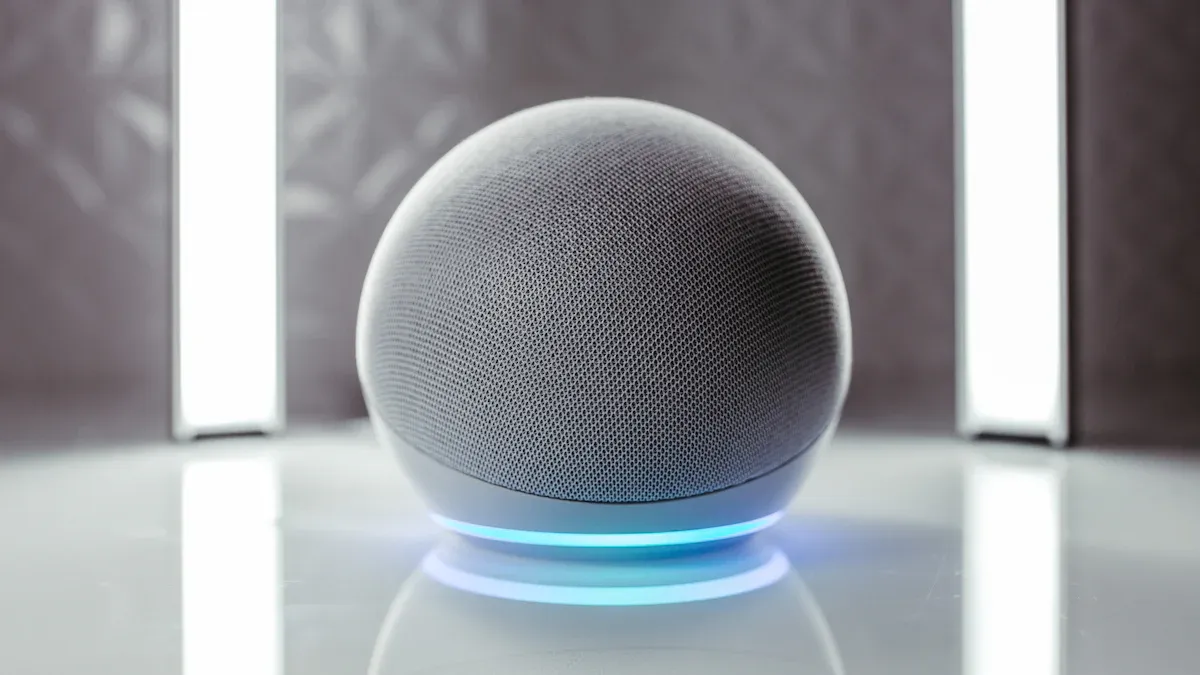
Voice recognition is a standout feature of smart speakers. You can interact with your device using simple voice commands. This hands-free operation allows you to multitask effectively. For example, you can ask your smart speaker to play music while cooking or set a timer while working on a project.
Smart speakers utilize advanced technologies to enhance voice recognition. Here are some popular models and their capabilities:
Amazon Echo: Utilizes Alexa with advanced far-field voice recognition.
Google Nest: Powered by Google Assistant, known for its sophisticated voice recognition capabilities.
Apple HomePod: Features Siri, offering a unique voice recognition experience.
These devices employ far-field microphones to capture sound from a distance. They also use Natural Language Processing (NLP) to understand your commands. This technology personalizes responses based on your voice, making interactions smoother and more intuitive. Recent tests show that the voice recognition system ArrayID achieves an impressive accuracy of 99.84%, ensuring that your commands are recognized correctly most of the time.
Smart Home Integration
Smart speakers serve as central hubs for your smart home. Approximately 40% of smart speaker users take advantage of smart home integration features, a significant increase from previous years. This integration allows you to control various smart home devices, such as lights, thermostats, and security systems, all through voice commands.
Here are some key benefits of smart home integration:
Convenience: You can control multiple devices with a single command. For instance, saying “Goodnight” can turn off all lights and lock the doors.
Energy Efficiency: Automating your home can lead to energy savings. You can schedule devices to operate only when needed.
Enhanced Security: You can monitor your home remotely and receive alerts about unusual activity.
Smart speakers make managing your smart home easy and efficient. They act as the brain of your smart home, coordinating various devices and ensuring they work together seamlessly.
Media Playback and Timers
Smart speakers excel in media playback and timer management. You can easily stream music, podcasts, and audiobooks from various services. Just ask your smart speaker to play your favorite song or genre, and it will deliver high-quality audio instantly.
Unlike traditional devices, smart speakers allow you to set timers and reminders effortlessly. You can say, “Remind me to call John at 3 PM,” and your smart speaker will handle it for you. This feature is especially useful for busy individuals who need to keep track of multiple tasks.
Here’s a quick overview of the hands-free operation capabilities offered by smart speakers:
Capability | Description |
|---|---|
Hands-free convenience | Control music, timers, and smart home devices while engaged in other tasks. |
Accessibility | Voice control aids those with limited mobility or vision in operating devices. |
Multitasking | Set reminders, send messages, or check the weather without interrupting tasks. |
Central hub | Acts as the brain of the smart home, coordinating various devices. |
Continuous updates | Features improve over time through cloud-connected software updates. |
With these features, smart speakers not only enhance your entertainment experience but also help you stay organized and efficient in your daily life.
Privacy with Smart Speakers
Smart speakers have become popular for their convenience, but they also raise important privacy issues. Understanding how these devices collect data and how you can protect your information is crucial.
Data Collection Practices
Smart speakers collect various types of data during regular use. This data helps improve the user experience but can also lead to privacy concerns. Here are some common data types collected by smart speakers:
Data Type | Description |
|---|---|
Personally Identifiable Info | This includes your email address, physical address, smartphone location, contacts, and photos. |
Interaction Data | Smart speakers keep detailed records of every interaction, creating a unique user profile. |
Usage Patterns | These devices listen to conversations in their vicinity, potentially collecting ambient data. |
Ambient Listening | Smart speakers may pick up background conversations, raising privacy concerns. |
Many users desire more transparency and control over their data. While smart speaker companies have made efforts to address these concerns, current privacy settings often do not fully meet user requirements. For example, smart speakers send data to tracking services beyond user queries, which can be alarming.
Muting the Microphone
You can take steps to enhance your privacy by muting the microphone on your smart speaker. Here are some effective methods to ensure your assistant is not listening:
Physical Mute Button: Many smart speakers, like Amazon Alexa, have a physical button to mute the microphone.
Third-Party Devices: Devices like ‘Paranoid’ can jam or control the microphone, providing privacy without needing to physically mute the speaker.
Automated Routines: Set up routines to mute the microphone during specific times or events, enhancing control over when the speaker listens.
Consider muting the microphone during sensitive situations, such as meetings or while watching movies. This prevents unintentional recordings and ensures your conversations remain private. Remember, using a physical mute button is more reliable than software options for controlling the microphone.
Strong Password Importance
Securing your smart speaker account with a strong password is essential. Here are some recommended practices:
Use password-protected WPA2 security for your Wi-Fi network.
Avoid default passwords; create custom passwords using a mix of upper and lowercase letters, numbers, and special characters.
Consider setting up a guest Wi-Fi network for unsecured devices.
Enable two-factor authentication for third-party apps connected to your smart speaker.
Changing default usernames and passwords during setup is also crucial. Create strong, unique passwords for each device and avoid common patterns. Using a password manager can help you manage your passwords effectively.
By taking these steps, you can enjoy the benefits of smart speakers while minimizing privacy risks. Understanding data collection practices, muting the microphone, and using strong passwords will help you maintain control over your information.
Setting Up Your Smart Speaker
Initial Setup Process
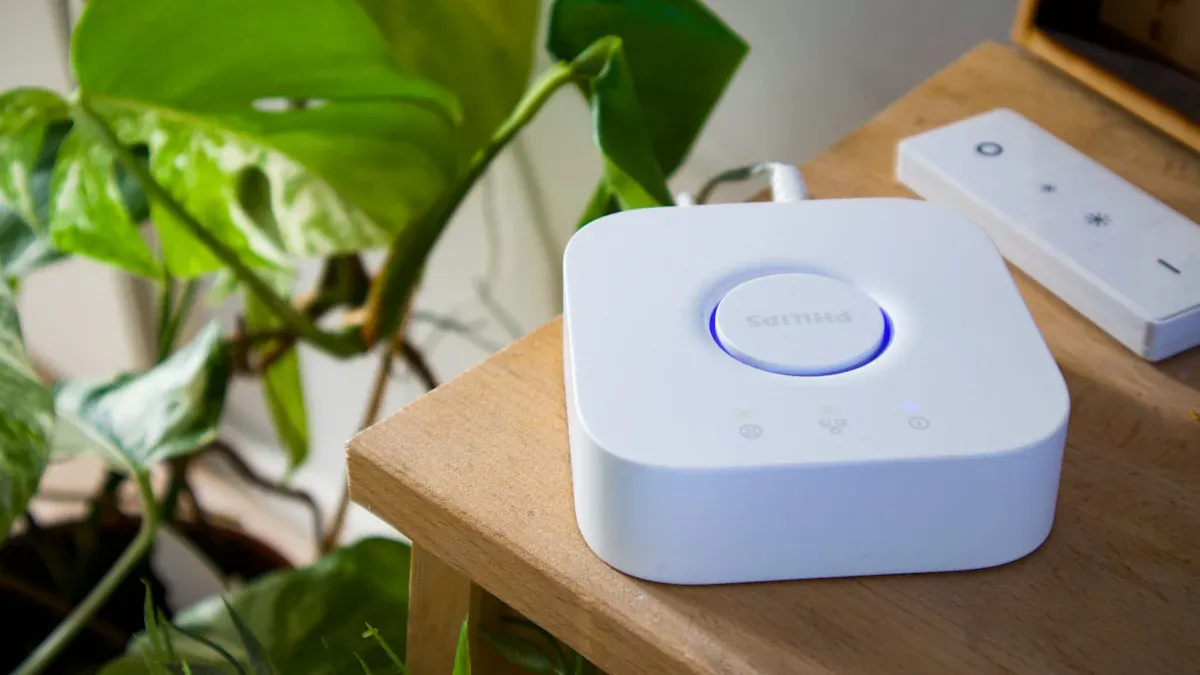
Setting up your smart speaker is straightforward. Follow these steps to get started:
Unbox the smart speaker and check the contents to ensure you have everything.
Connect the speaker to a power source using the provided power cable.
Download and install the companion app on your smartphone or tablet.
Open the app and follow the on-screen instructions to connect the speaker to your Wi-Fi network.
Configure the smart speaker through the app to access its features and customize settings.
By following these steps, you can quickly set up your smart speaker and enjoy its benefits.
Connecting to Wi-Fi
Connecting your smart speaker to Wi-Fi is crucial for its functionality. Here are some tips to ensure a smooth connection:
Create a separate SSID for your smart home devices. This helps manage your network better.
Disable remote access for devices that do not need it. This enhances security.
Regularly update firmware to protect against vulnerabilities.
Use mesh Wi-Fi or Wi-Fi extenders to eliminate dead zones in larger homes.
If you encounter connectivity issues, check the ARP-to-Unicast conversion setting. Ensure it is disabled to improve connectivity. You may also want to test different WPA modes to find the most compatible one for your smart speaker.
Customizing Features
Customizing your smart speaker enhances your experience. Here are some features you can adjust:
Customization Feature | Description |
|---|---|
Fine-tuning Playback | Adjust connection and playback settings through the app. |
Music Browsing | Use the app to browse music, jump between stations, playlists, and services. |
Preset Setup | Set up music presets for quick access to your favorite content. |
Multi-user Support | Allow multiple users to personalize their experience through the app. |
Linking compatible devices to your smart speaker can further enhance its functionality. For example, connect your smart lights by following the app’s instructions. You can also link your devices to assistants like Alexa or Google Assistant for seamless control.
By taking these steps, you can set up your smart speaker effectively and customize it to fit your needs.
Understanding smart speakers is essential for making informed choices. These devices, like Alexa, offer various features that enhance daily life. You can control smart home devices, play music, and set reminders with ease. However, privacy concerns also exist. Many users worry about data security, with 66% expressing concerns about privacy risks.
When selecting a smart speaker, consider these factors:
Assess your primary use case.
Evaluate ecosystem alignment.
Compare audio performance.
Review privacy settings.
Test voice recognition.
Check third-party support.
Avoid outdated models.
By considering your needs and preferences, you can choose the right smart speaker for your home. Embrace the convenience of devices like Alexa while staying mindful of your privacy.
FAQ
What is a smart speaker?
A smart speaker is a voice-activated device that connects to the internet. You can use it to play music, control smart home devices, and access information through voice commands.
How do I choose the right smart speaker?
Consider your primary use case, ecosystem compatibility, audio quality, and privacy settings. Testing voice recognition and checking third-party support can also help you make an informed choice.
Can smart speakers listen to my conversations?
Smart speakers listen for wake words to activate. They may collect ambient sounds, but you can mute the microphone for privacy during sensitive moments.
How do I improve my smart speaker’s voice recognition?
To enhance voice recognition, ensure your speaker is in a quiet area, away from noise. Regularly update the device and train it to recognize your voice through the companion app.
Are smart speakers secure?
Smart speakers can pose privacy risks due to data collection. Use strong passwords, enable two-factor authentication, and mute the microphone when not in use to enhance security.
